TVs · 4 min read
LG TV Wall Mount & Installation Checklist Malaysia
A wall-mounted TV needs a compatible bracket, a suitable wall and a workable cable plan. Check these details before ordering an LG TV or confirming the installation.
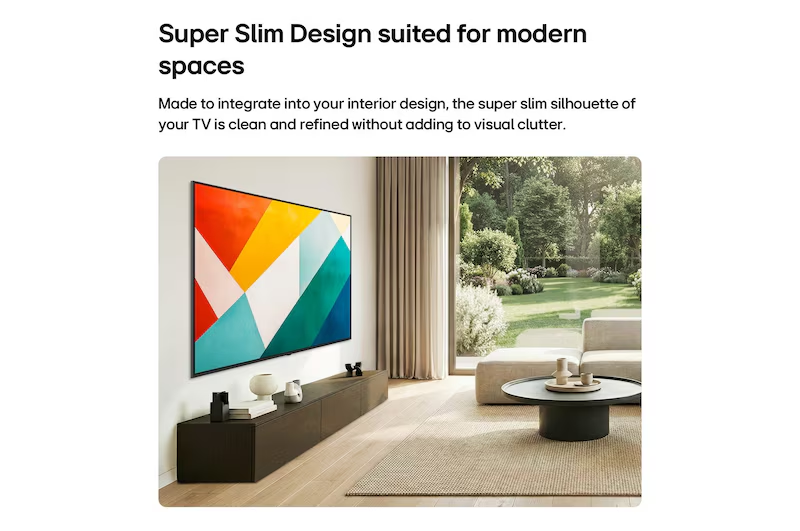
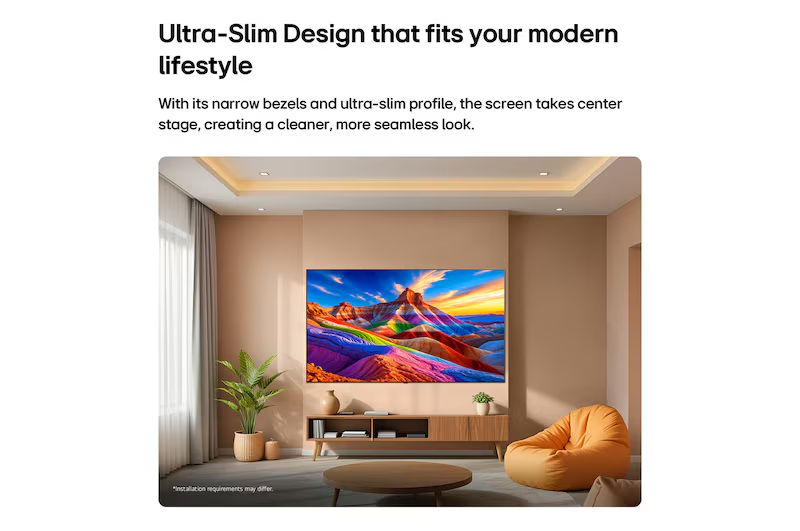
Planning an LG TV installation involves the screen, its support and the equipment connected to it. Before ordering, decide whether the television will use its supplied stand or a separately confirmed wall-mount arrangement.
Take photos of the proposed position and measure the furniture or wall area. Include the nearest power point and the route for cables. Those details help an installer identify questions before delivery day.
Check the exact model's mounting specification
VESA describes the mounting-hole spacing on the television. Screen size alone does not determine it, and two 65-inch models can require different patterns.
The bracket also needs to support the television's weight and be suitable for its design. Confirm the fixing hardware, access and wall requirements with a qualified installer. Do not choose a bracket only because its packaging mentions a matching screen diagonal.
| Model-specific detail | OLED65B6SSA | 65QNED87BSA |
|---|---|---|
| VESA pattern | 300 × 200mm | 300 × 300mm |
| Weight without stand | 17.1kg | 21.5kg |
| Width without stand | 1449mm | 1456mm |
| TV depth without stand | 45.9mm | 29.7mm |
These figures come from LG Malaysia's OLED65B6SSA and 65QNED87BSA specifications. TV depth excludes the bracket, cable space and required installation clearances. Use the complete installation instructions for the exact model.
Have the wall assessed before fixing anything
Tell the installer what you know about the wall construction and any concealed services. A photo cannot by itself establish the structure's suitability or the correct fixings.
Ask whether an assessment is needed before delivery. If the home is rented, obtain the required owner approval for drilling. For a condo, check whether building management has relevant renovation or installation rules.
Agree on the scope before work begins. The quotation should make clear who supplies the bracket, who installs it and which additional work or materials are charged separately.
Set the height from the seats you use
Mark a proposed screen outline and check it while sitting normally. Consider whether furniture, a soundbar or a cabinet door would interfere with the view.
If several people use the room, check the position from their usual seats as well. Avoid choosing the height only from how the empty wall looks while standing.
Before drilling, confirm the final screen position, cable access and movement of any adjustable bracket. The 55, 65 and 75-inch TV guide helps you plan the outline.
Plan power, HDMI and audio connections
List every connected device and identify where it will sit. Reserve the appropriate eARC connection if you intend to use compatible audio equipment.
Show the installer where cables will enter and leave the proposed screen position. Check whether connectors will remain accessible after mounting and whether an adjustable bracket needs extra cable movement.
Ask separately about cable concealment and any electrical changes. Use a qualified electrician where required. Avoid assuming that basic TV setup includes new sockets, wall chasing or routing cables inside a wall.
Check a stand installation just as carefully
If you prefer a cabinet, compare the stand footprint, complete TV dimensions and furniture's load rating. Keep the appliance stable and follow the model's placement and anti-tip instructions.
Allow for any soundbar and for the clearance specified by LG. The depth without a stand is not the depth required for the tabletop setup.
For example, LG lists the OLED65B6SSA at 218mm deep with its stand. That figure still needs to be considered alongside the furniture, cable access and the manual's placement requirements.
Frequently asked questions
Does a thinner TV always sit closer to the wall?
The final position also depends on the bracket, connectors, cables and required clearances. Compare the complete setup.
Is a wall bracket included in every subscription package?
Ask for the supplied accessories and installation scope in writing. Do not infer wall-mount inclusion from a lifestyle photograph.
Can I reuse my existing bracket?
Have its compatibility and condition checked against the exact new model, including VESA pattern, load rating, hardware and wall fixings.
Prepare your installation enquiry
Browse LG televisions and send the proposed position, furniture measurements and connected-device list through our TV installation enquiry page. If you are still choosing a display, compare OLED and QNED before confirming the model.
Back to all blogs