Soundbars · 3 min read
LG Soundbar Connections: Plan HDMI eARC and Optical
Map the signal route before buying cables. The TV, soundbar and source equipment all need to support the arrangement you want.
Before ordering a soundbar, photograph the connections on your television and list the devices attached to it. That simple record helps you choose a workable audio route and avoid changing cables after everything is mounted.
Identify the exact TV and soundbar model codes. A port label and a complete equipment list are more useful than a general description such as a recent smart TV.
Check the ports on both appliances
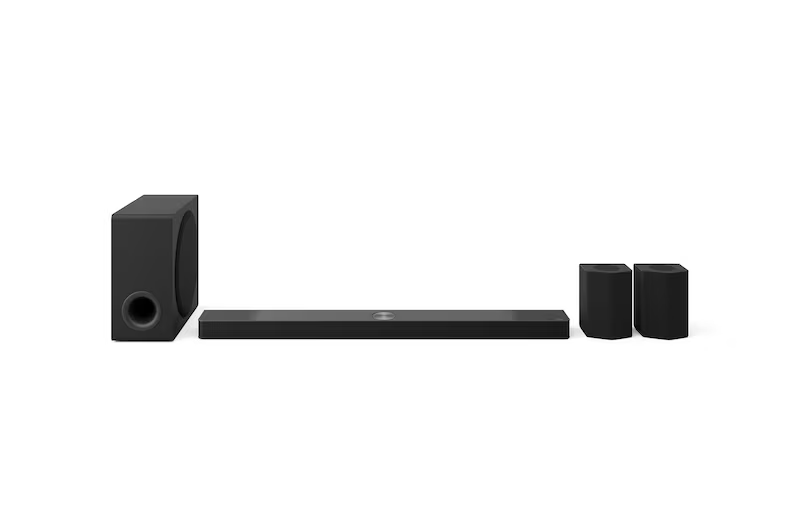
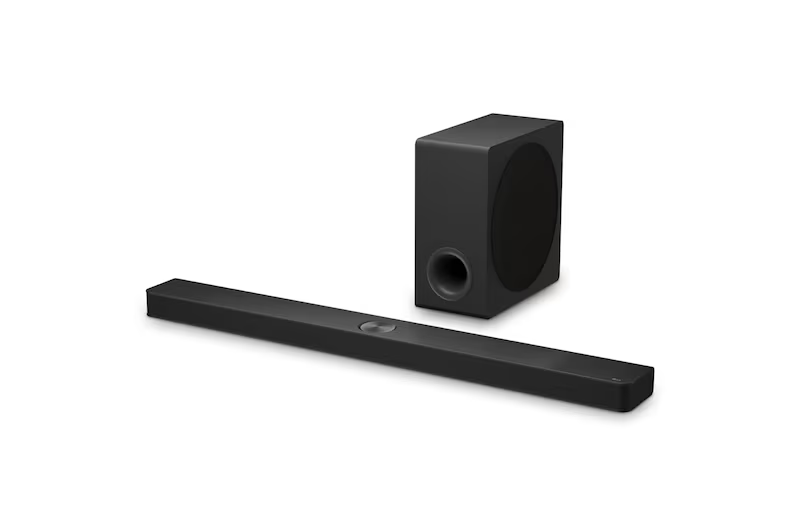
LG's S90TY specification lists HDMI input, HDMI output, eARC support and an optical connection. Those entries give you connection options to discuss for this particular model. LG Malaysia S90TY connectivity specification
Have the supplier check the TV's corresponding ports and intended audio formats. Ask which route is recommended for the programmes and devices you use.
HDMI eARC has higher bandwidth than standard ARC and supports compatible high-bandwidth audio arrangements. That makes the supported format across the TV and sound system an important check. LG's connection guidance
Avoid assuming that every connection carries every feature advertised elsewhere in the product description. Confirm the supported arrangement across both appliances and the selected content source.
Draw the complete signal route
Write down each source: a console, TV box, disc player or streaming device. Show whether it connects to the TV or through the soundbar in the proposed arrangement.
Ask how that route affects the features you want, including picture modes and audio output. If another receiver or switch is involved, include its model too.
Count the TV inputs left after the audio connection is reserved. That helps you decide whether the layout will handle all your devices without routine cable swapping.
Confirm cable and control requirements
Ask which cable specification and length suit the chosen route. Check what is supplied with the package before ordering another cable.
During setup, have the required TV and soundbar settings demonstrated. Try ordinary volume control, source changes and switching the equipment on again.
If one remote is expected to control several devices, verify that behaviour in the actual setup. Keep the original remotes and model instructions available for later adjustments.
Plan access before wall mounting
Photograph the port positions and show the installer where connected equipment will sit. Check the space needed for the connectors and any movement of an adjustable mount.
Agree on cable routing and concealment before work begins. Ask which part of the work is included and whether another trade is needed for any proposed changes.
Leave a record of the finished connections. A photo of labelled cables can help when replacing a device or checking a setting later.
Frequently asked questions
Can I choose a cable from the soundbar model alone?
Check the TV, route, required features and length as well. Ask the supplier to confirm the specification for the full connection.
Will optical and HDMI give every setup the same features?
Confirm supported formats and controls for the specific equipment. Use the manuals and the installer's demonstrated arrangement rather than treating the options as interchangeable.
Check your TV and soundbar connection plan
Explore LG soundbars and send your TV code, device list and port photos through our audio enquiry page.
Back to all blogs ↗