Air conditioners · 3 min read
LG DUALCOOL AI and ThinQ: Controls to Check Before Buying
Choose connected functions around how you use the room. Ask to see which settings need ThinQ and which controls remain on the remote.
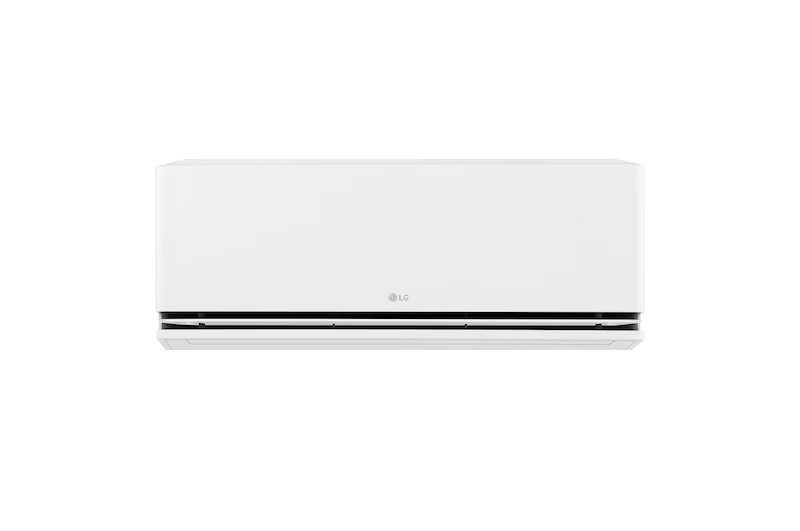
Connected aircond features are easier to assess when you give them a job. You might want to review usage, prepare a bedroom for the evening or understand how the appliance adjusts airflow.
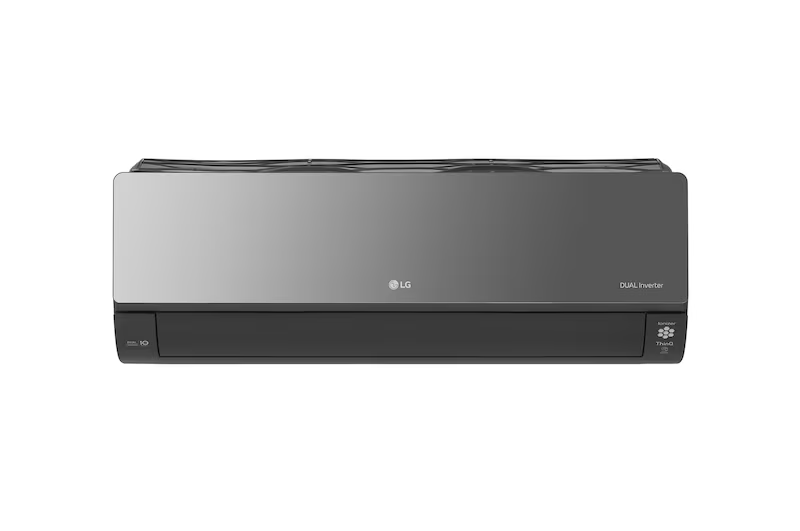
For the LG DUALCOOL AI S3-Q120AGZB, ask to see those tasks on the actual model before choosing it. Separate the everyday remote controls from functions that require app setup.
Identify the features you expect to use
LG lists ThinQ, Sleep Timer+ and kW Manager for S3-Q120AGZB. Its notes say Sleep Timer+ needs initial setup through ThinQ. Window Opening Detection is identified as a ThinQ-only function. LG Malaysia feature specification and notes
Choose one or two functions to explore in a demonstration. Ask what the feature does, which settings you control and how it behaves during ordinary operation.
Avoid making the decision from the length of an app-feature list. A function you will use each week deserves more attention than an unfamiliar label.
Check the household's control routine
Explain who normally operates the air conditioner. A shared room may need a simple remote routine even if one household member uses the app.
Ask how to select the required temperature, airflow and timer on the supplied controls. Confirm what remains available if a phone is elsewhere or the home Wi-Fi is unavailable.
For a rental home, discuss account setup and handover with the supplier so the appliance is associated with the intended user's account. Keep setup details with the product information for future reference.
Ask what the energy display represents
If kW Manager or energy monitoring interests you, ask which readings the app shows and how any chosen limit changes operation. Have the demonstrator explain the units rather than treating every graph as a bill calculation.
Your electricity bill covers the household's actual consumption and applicable charges. Ask for the assumptions behind any running-cost example and keep it separate from a guaranteed saving.
Describe your normal usage hours so the feature discussion stays relevant. Someone using cooling briefly in the evening has a different routine from a room occupied throughout the day.
Include setup in the handover
Confirm the network and registration requirements before delivery. Ask who will demonstrate connection, where to find the model instructions and how to request support if setup fails.
Write down the settings you choose during handover. Try the routine again yourself before the demonstration ends, particularly if another family member will need to repeat it.
Check care tasks separately from connected convenience functions. An app feature does not by itself define the maintenance included in your package.
Frequently asked questions
Are all LG air conditioners equipped with the same app features?
Check the exact model and market specification. This article uses S3-Q120AGZB as its reference.
Does energy monitoring establish the appliance's exact monthly cost?
Ask what the reading measures and which usage and tariff assumptions a cost estimate uses. Compare estimates on the same basis.
Ask for a DUALCOOL AI controls demonstration
Explore S3-Q120AGZB and send the functions you want to use through our aircond enquiry page.
Back to all blogs ↗